
This week instead of sharing editing “Blueprints” I am sharing a great way to display images on the web (with the help of a few customers and fans.)
The blueprint itself: “click play on the photoshop action and follow the directions as your photos almost magically insert themselves into a storyboard collage template. A minute later you have a collage/storyboard display ready for your website or blog or for print. Instant fun and satisfaction. These Magic Blog It Boards (and the Print version Magic Print It Boards) are compatible with Photoshop CS2, CS3 and CS4.
To see how to make them – you can watch the video. Check out some MCP Fan Shares below the video.
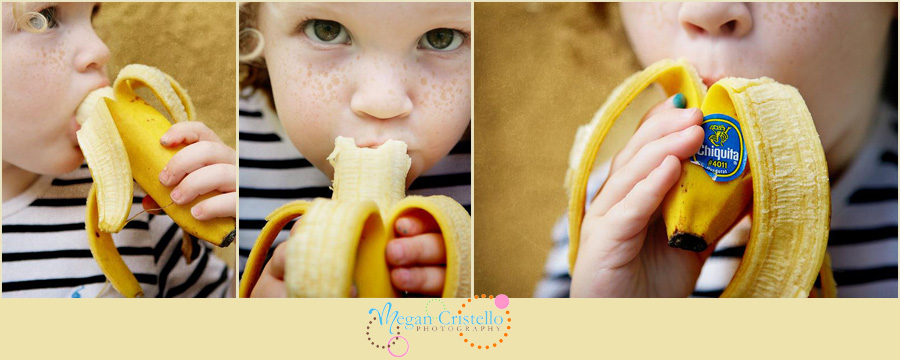
These 1st two boards sure tell a story -they are from an incredible photographer in the Orlando, FL area, Megan Cristello. Check out her blog here.
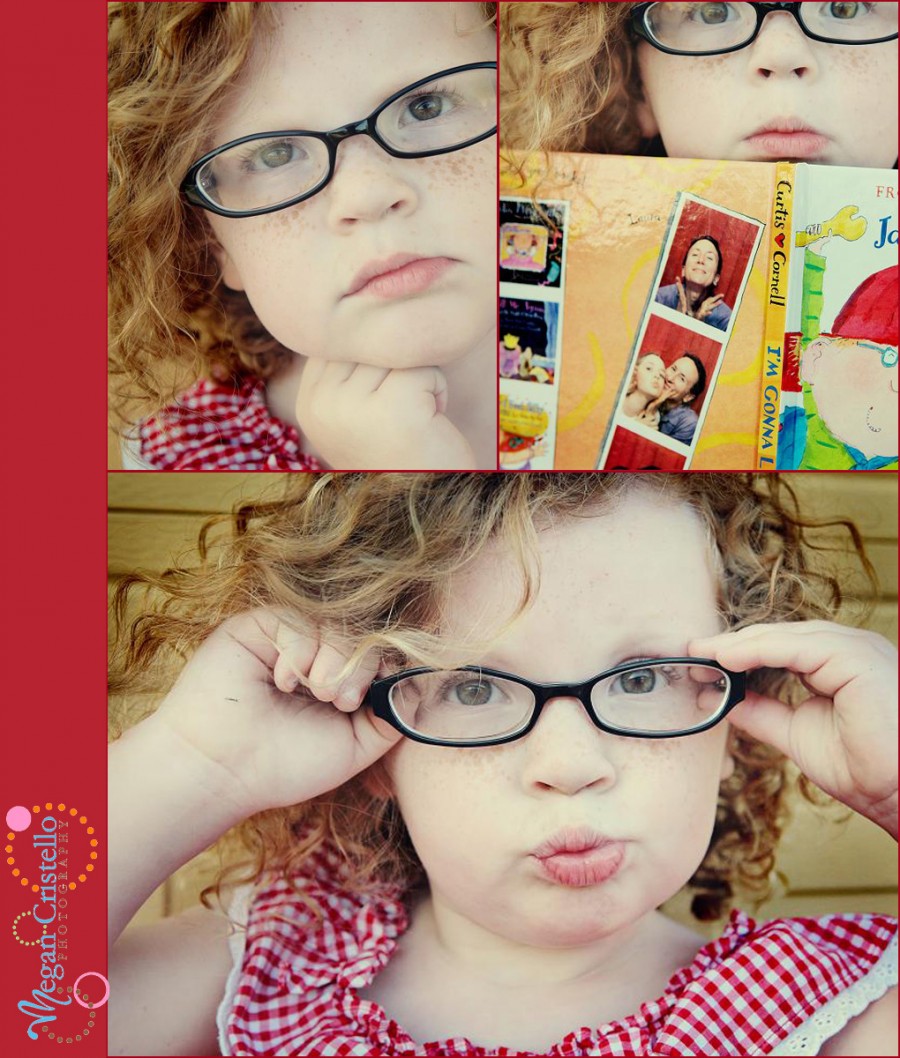
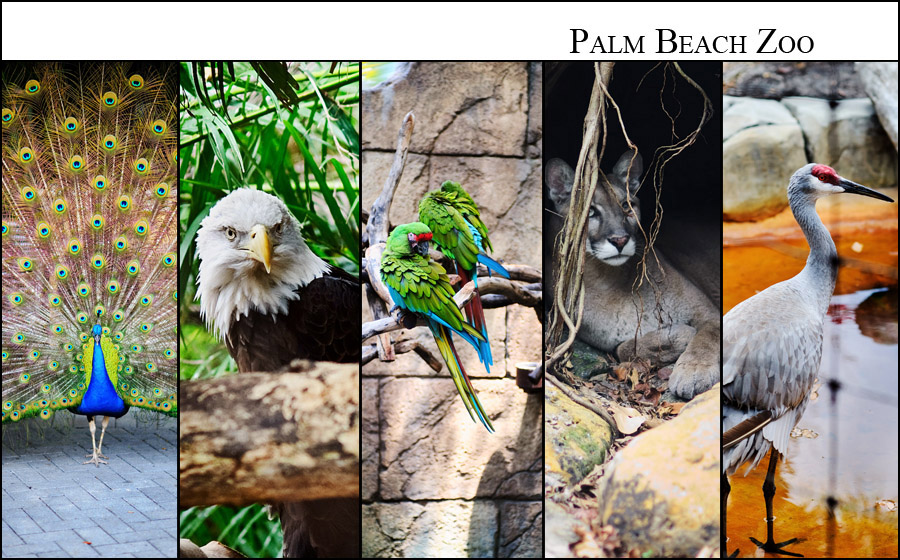
The next one is a board showing some fun at the zoo by Photostories by Claudine.
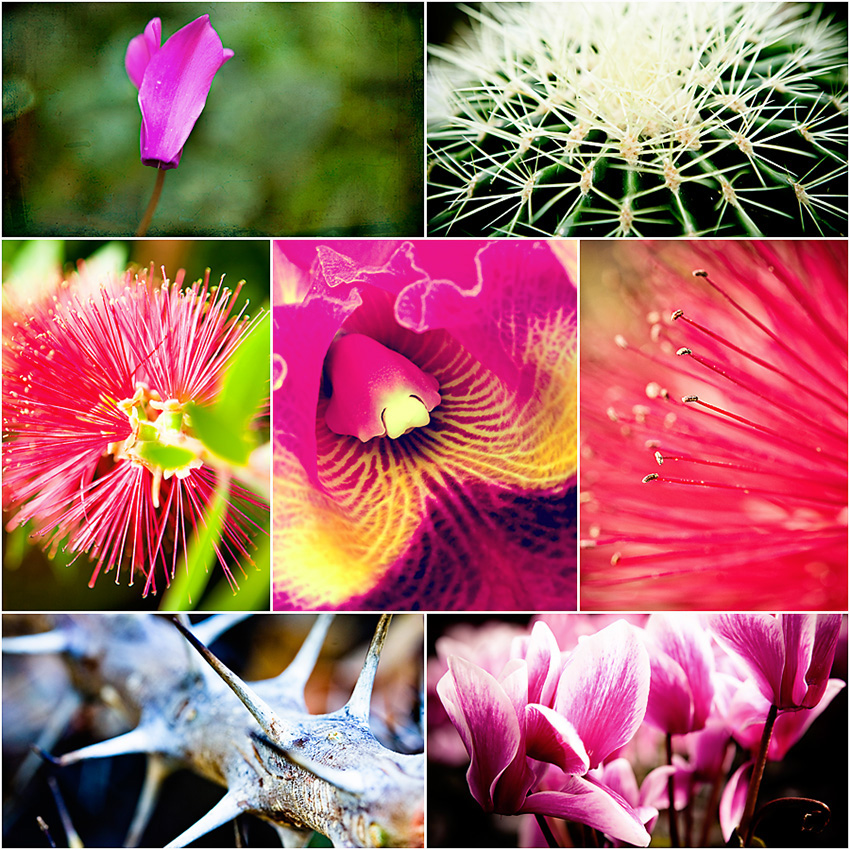
The next two are from taken by Mishka Photography. I love the colorful flowers.
And the notes on the mom to be’s belly in the middle shot.

And Dani of danielleluc photography said that their studio uses blog it boards to do all of their sneak peeks now.

7 Comments
Welcome to the MCP Actions Photoshop Blog
- Learn to enhance your images with time saving Photoshop tutorials. Join us for daily blog posts with the latest photography and photoshop tips, contests, photographer interviews, and blueprints teaching how to use photoshop actions.
Featured Posts
- Editing Landscape Images Using Actions in Photoshop
- My Camera Takes Really Nice Pictures
- Over-Editing in Photoshop: How to Avoid 25 Common Editing Mistakes
- Portrait Photography Trends & Fads: The Good, The Bad, The Ugly
- Finish It Photoshop Actions Set Now Available ~ Changing the Way You Prepare and Display Images on the Web
- See All Featured Posts
Recent Posts

- Win Holiday Card Templates from Photographer Cafe
- Photoshop Alone Does Not Make a Good Photographer
- Watch Me Work: Photoshop Actions & Workflow Online Class
- Tips for After Your First Portrait Portfolio Building Session: Part 2
- 7 Tips for Your First Portrait Portfolio Building Session: Part 1
- See All Recent Posts

Polls
Photoshop Tips
- Outdoor Image Fixed in Photoshop: Better Sky ~ Better Lighting
- Senior Photography: Tips and Tricks on Posing, Locations and More
- Using Photoshop Actions to Enhance a Blue Sky and a Rainbow
- Photoshop Actions: Glossary of Offerings by MCP Actions
- Photoshop Actions: A Guide to Choosing the Best Actions
- See All Photoshop Tips
Video Tutorials
- Photoshop Video Tutorial: Watch Me Work {Color Pop, Eyes, Skin}
- The Secret to Using Photoshop on an iPad and iPhone
- Installing Photoshop Actions in Elements: Video Tutorials
- What Are Photoshop Actions And How They Can Help Or Hurt Photography
- Free Photoshop Action + Video: To Add Texture to Photos in Photoshop
- See All Video Tutorials Posts

Categories
- Activities
- Announcements
- Assignments
- Blueprints
- Business Tips
- Cancer Awareness
- Contests
- Discounts, Deals & Coupons
- FAQs
- Featured Post
- Free Actions
- Free Photoshop Stuff
- Guest Bloggers
- Interviews
- MCP Collaboration
- MCP Thoughts
- Photo Sharing & Inspiration
- Photography & Photoshop News
- Photography Tips
- Photoshop Actions
- Photoshop Tips & Tutorials
- Polls
- Social Networking
- Video Tutorials
- Workshops


2:08 pmApril 24th, 2009
Woo Hoo! I made the site
I’ve reciprocated here: http://www.mishkaphotography.com/blog/?p=691
3:40 pmApril 24th, 2009
Love the blueprints of the blog-it-boards. I love the idea of doing the sneak peek with them!!!!!!
6:23 pmApril 24th, 2009
wow thanks for posting! ive been referring people here like crazy =)
6:40 pmApril 24th, 2009
Loving the idea of doing sneak peeks with these!! Fab idea!
9:41 pmApril 24th, 2009
Oh my gosh these are all soo cute!! My fav is the last one
So adorable!
2:00 pmApril 26th, 2009
Love these. Very Very cool!
10:39 pmApril 28th, 2009
I too love the idea of using them for sneak peeks. Thanks again Jodi! These are officially on my wishlist for Mother’s Day!!



































